Everything that keeps an association alive.
Seven areas, one colour stroke for each. The screens below are the app's own.
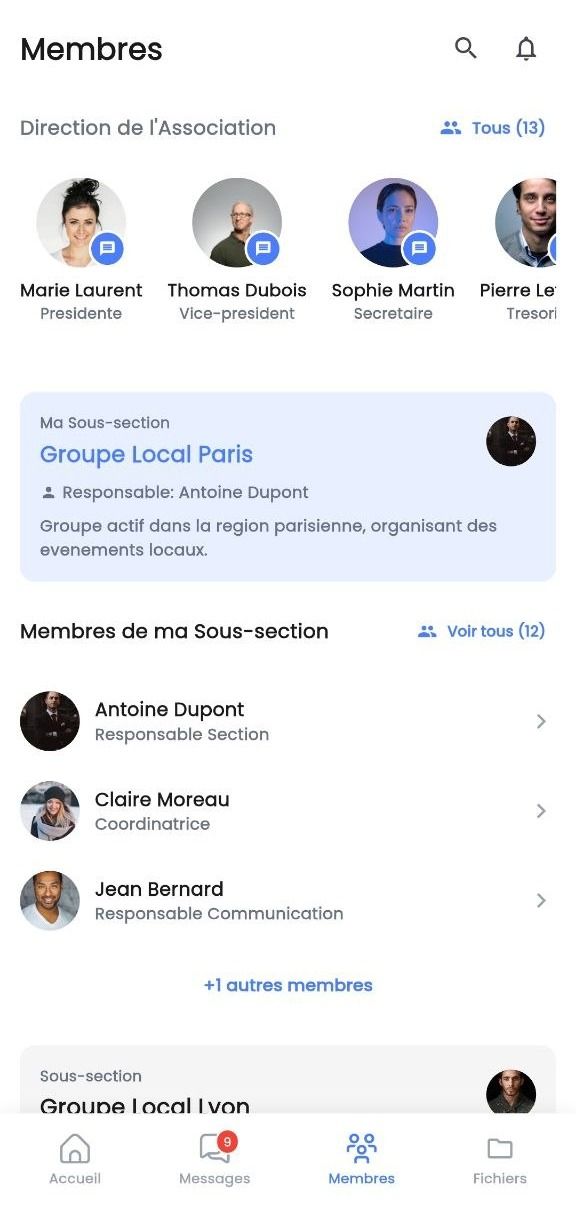
01 · Members
Everyone, finally in one place.
- Join the association with a QR code or a membership code
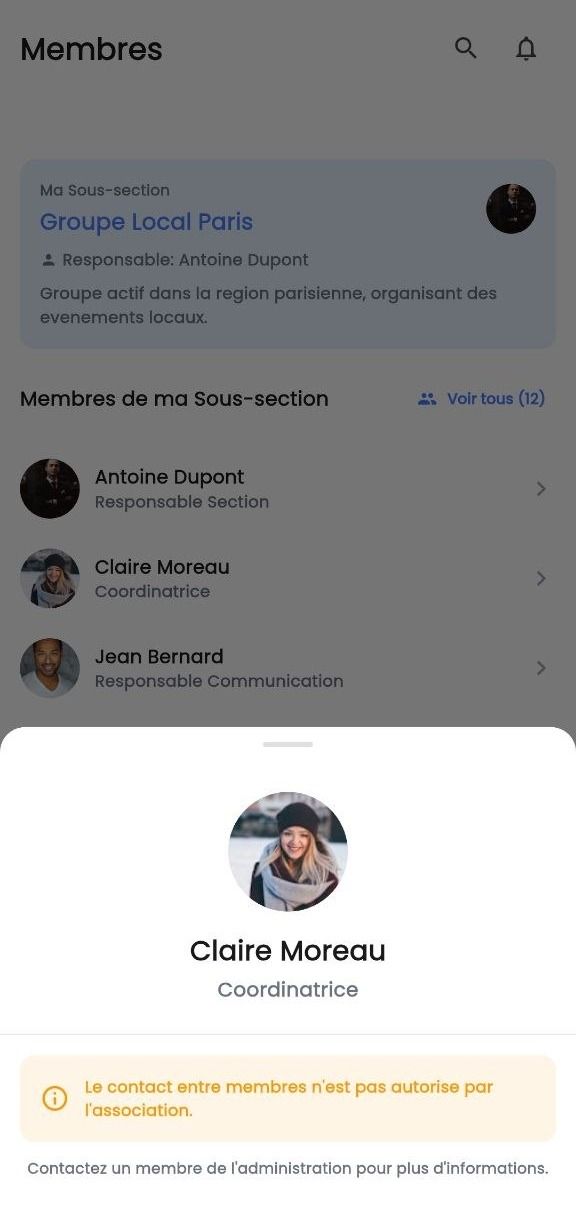
- The leadership and the sections, at a glance
- The members of your section, close at hand
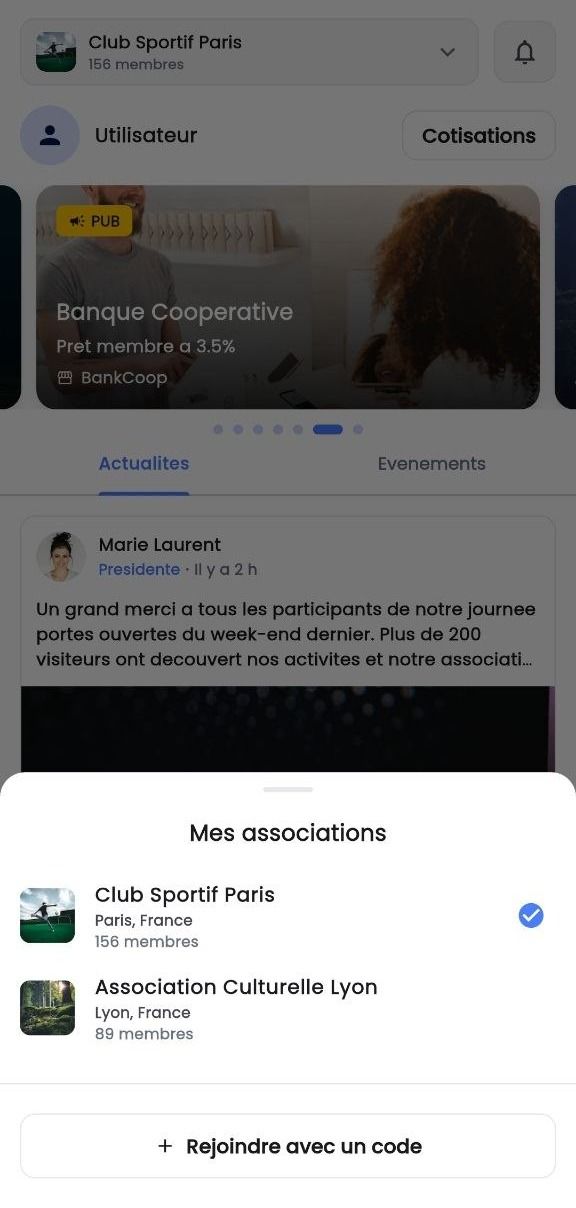
- Several associations, a single account
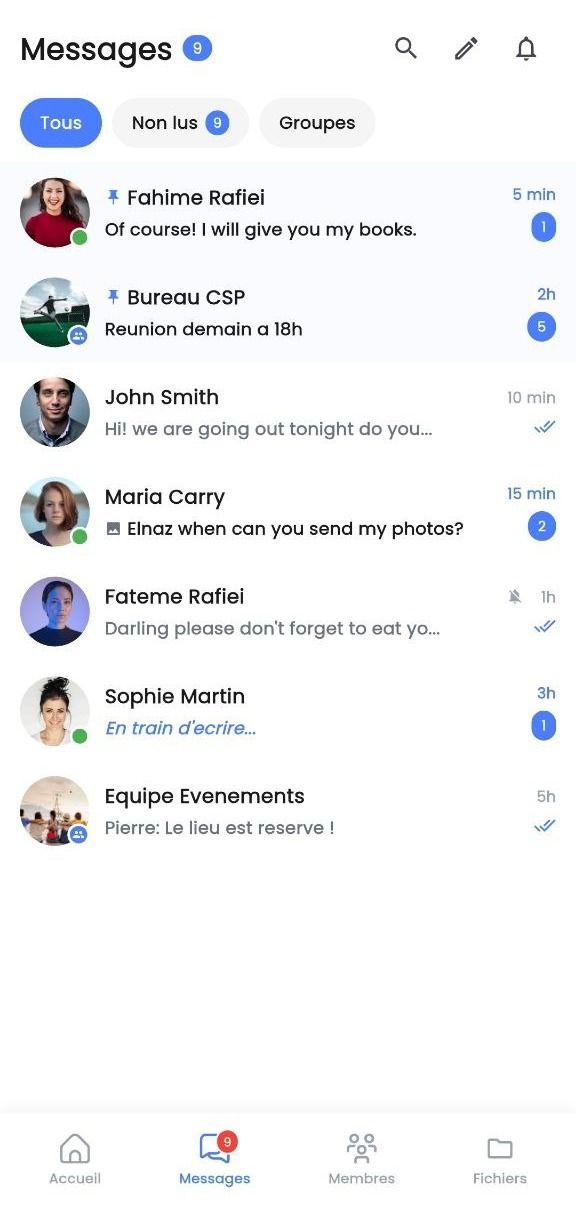
02 · Messages
Conversations that no longer get lost.
- Private chats between members
- Report a message, block a member
- Unread messages highlighted
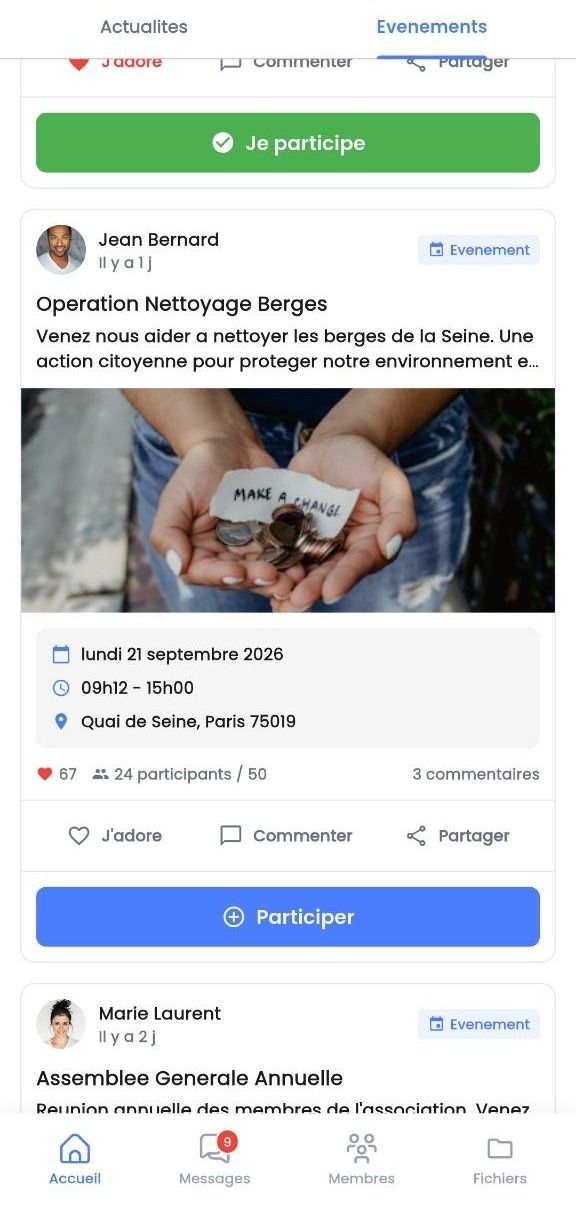
03 · Events
Who's coming Saturday? Now you know.
- Date, place, photo and description
- “I’m going” button and attendee counter
- All the activity in the notification centre
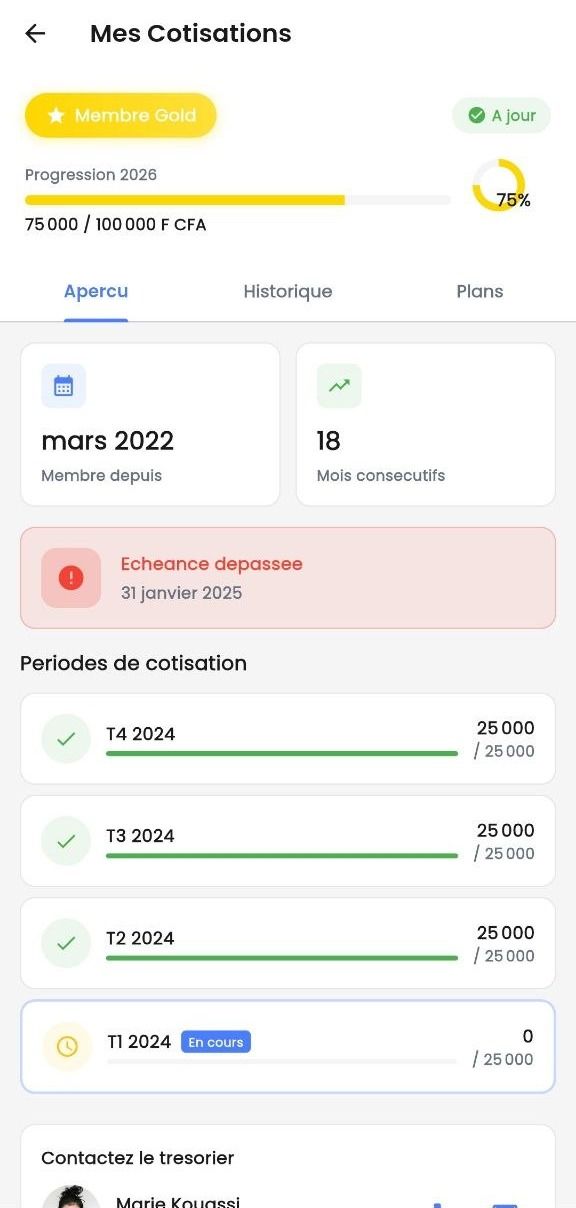
04 · Dues
The treasurer's notebook, only better.
- Up-to-date or overdue status, next due date
- Payment history
- Plans offered by the association
- Payments recorded and approved by the treasurer
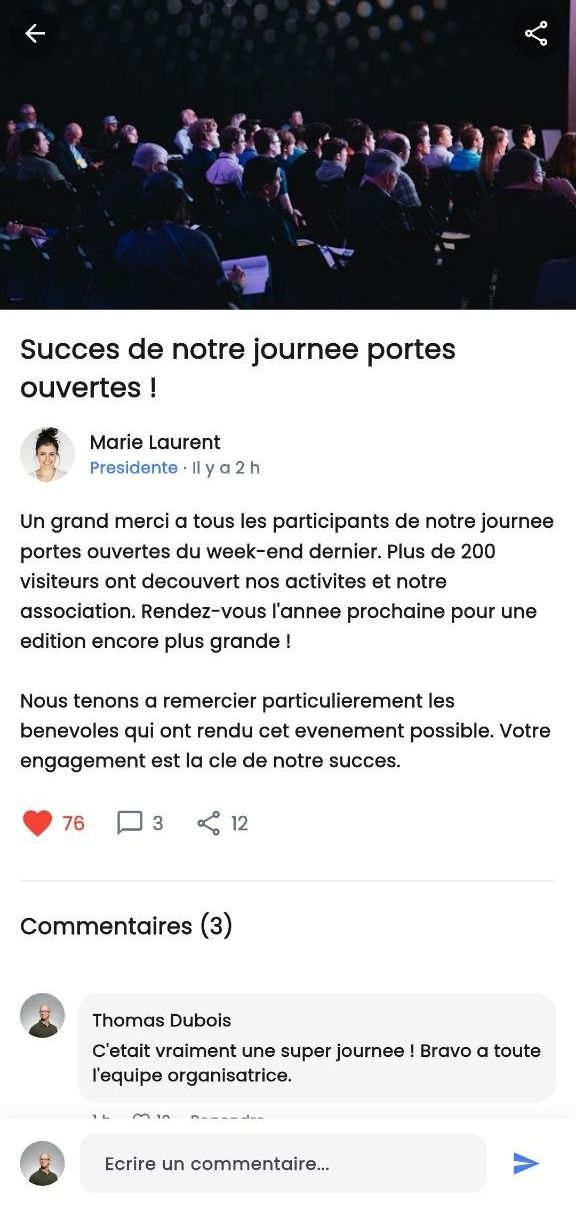
05 · News
Your association's feed.
- News feed with photos
- Comments from members
- Fundraisers with their progress (Essential plan and up)
06 · Files
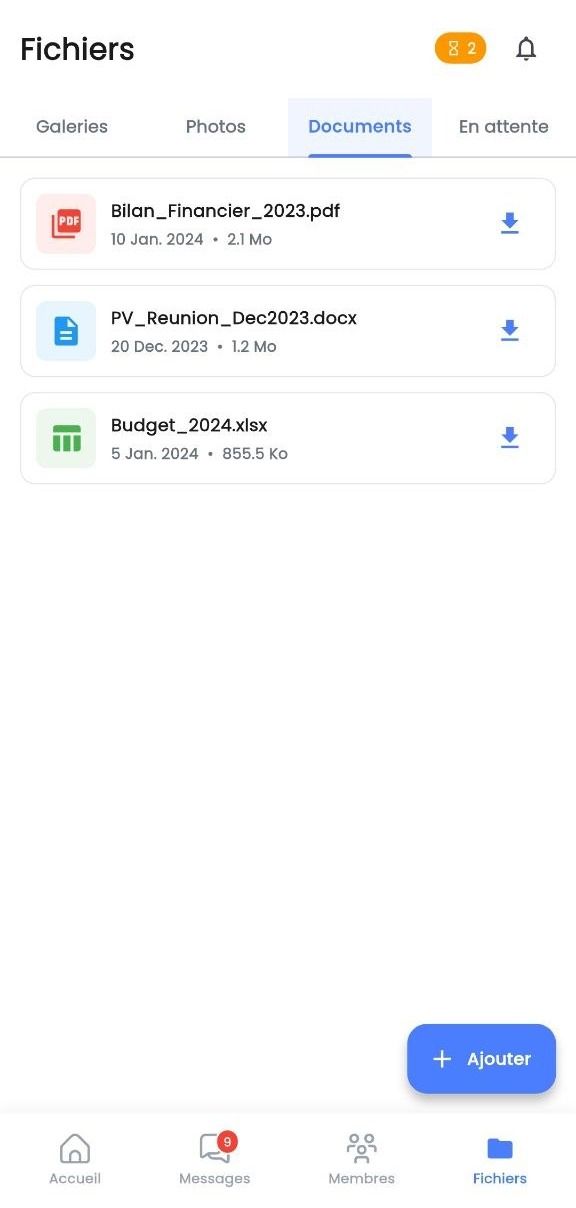
Memories and documents, finally in order.
- Photo galleries for each event
- PDF, Word and Excel documents
- Member suggestions, published once approved
07 · Sections and roles
An organisation that fits you.
- Sub-sections by city or by activity
- Board roles and section leads
- Permissions adjustable with the Pro plan
- Every member chooses who sees their contact details
For officers
A board space suited to every role.
The “Bureau” button on the home screen opens a separate space with its own tabs. Every officer only sees what their role allows. With the Pro plan, each association adjusts its officers' permissions.
- Today · what the board has to do, and “Check a card”
- To review · payments to confirm, member content, reports
- Publish · news, targeted or scheduled notifications, dues reminders (Essential plan and up)
- Events · step-by-step creation, responses, card check-in
- Association · invite, logo and details, board and sections, dues plans
- President
- Treasurer
- Secretary
- Section lead
Simple, for everyone.
Everyday words, one main action per screen and a line of help under every title.
-
Create your association from the app
A wizard asks one question at a time: name, logo, dues, sections, who sees whom. You become its president, then invite your first members.
-
A membership card in your phone
A signed QR code to show the board, who checks it with a single scan. The same card records arrivals at events.
-
Step-by-step forms
One step at a time, a summary before sending, and nothing you typed is lost if sending fails.
On Android and iPhone.
Coming soon to the stores. Register your association to hear about the launch.
- Coming soon on the App Store
- Coming soon on Google Play